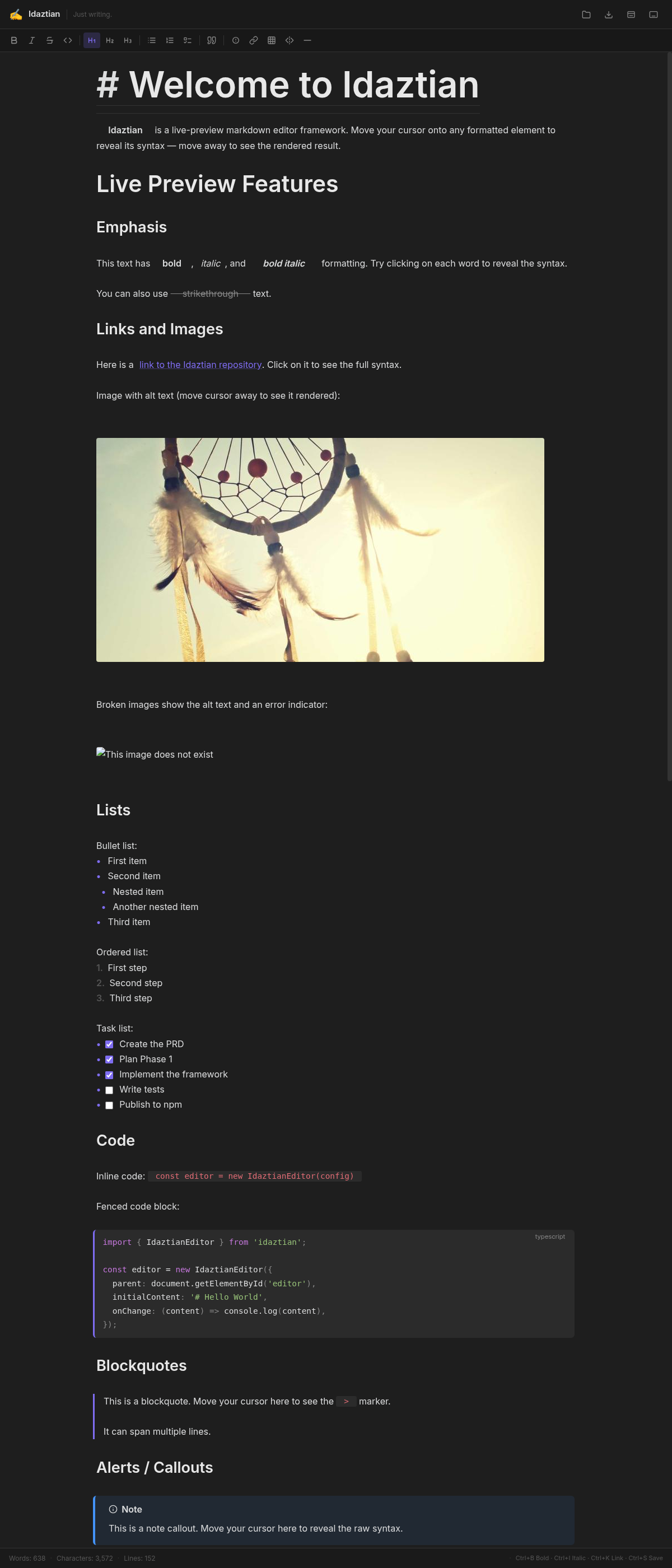
A live-preview markdown editor framework for the web. Embed an Obsidian-style editing experience in any web application.
Idaztian packs a complete markdown editing toolkit
Move your cursor onto any formatted element to reveal its raw markdown syntax. Move away and it renders beautifully — just like Obsidian.
Tables, code blocks, horizontal rules, blockquotes, and alert callouts — all rendered as rich, interactive widgets with full editing support.
Auto-closing pairs that respect code context, smart list continuation, paste HTML conversion, drag-and-drop file import, and a context-aware toolbar.
Inline and block LaTeX math via KaTeX with true live-preview — cursor away shows rendered equations, cursor on reveals raw syntax.
Carefully crafted themes with proper editor chrome styling. Dark mode that feels native, and a clean light variant for document editing.
Copilot-style ghost text completions via any OpenAI-compatible API. Pluggable provider — wire up OpenAI, Ollama, or your own backend. Tab to accept.
Built on CodeMirror 6. Works with React, Vue, Svelte, vanilla JS — any web stack. Just pass a DOM element and get a full editor.
Install via npm and initialize with a few lines
# Install the package
npm install idaztian
<!-- Add to your HTML -->
<link rel="stylesheet" href="https://xezpeleta.github.io/Idaztian/packages/idaztian/dist/idaztian.css" />
<script type="module">
import { IdaztianEditor } from 'https://xezpeleta.github.io/Idaztian/packages/idaztian/dist/idaztian.js'
</script>
No boilerplate, no configuration objects required
import { IdaztianEditor } from 'idaztian';
import 'idaztian/style.css';

new IdaztianEditor({
  parent: document.getElementById('editor'),
  initialContent: '# Hello World',
  toolbar: true,
});